Online dating burnout · A quieter device
Dating app alerts keep appearing on a family device
Make the device quieter and more private
You can take a break from dating alerts without deciding today whether to delete your account. Check the notification and lock-screen preview settings on each device you use, and choose whether to mute the app or hide message details. If a family tablet has access to your account, review that device separately. Settings differ, and hiding a preview does not necessarily sign the account out or stop a paid subscription.
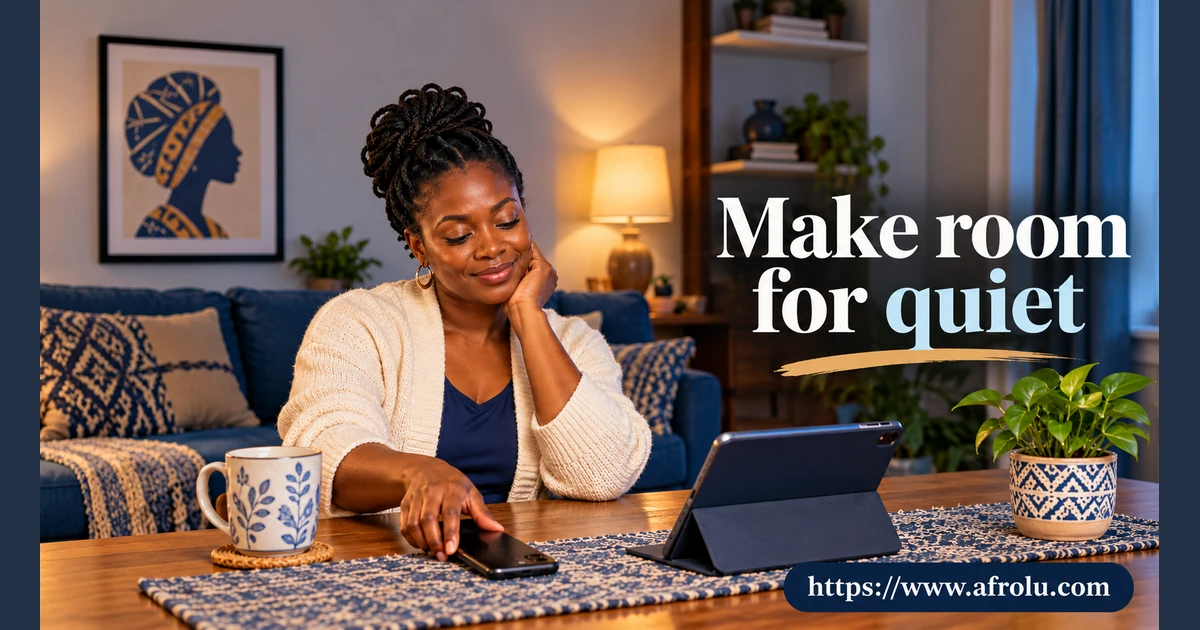
Adult parent Amina feels worn out by dating alerts throughout the weekend. A tablet used at home also shows message previews. She wants a quieter day and does not want anyone else reading a private conversation.
Decide what needs a break
Amina can turn off dating-app notifications for a period she chooses, use an app’s pause feature if available, or leave the app altogether. A pause is not a promise to a match, and she does not have to explain her family routine to someone she just met.
If she wants to keep a conversation going, she could send a simple note such as “I am taking a few days away from the app.” She can choose not to send one. An unanswered message does not need to dictate the family weekend.
Check the screen other people see
On an iPhone, Apple says notification previews can be shown always, only when unlocked, or never. Android offers options to hide sensitive content or not show notifications on the lock screen; labels and controls vary by device. Amina can check the settings for her actual devices and test what appears.
A hidden lock-screen preview is not the same as a private account. Someone who can unlock a shared tablet or open the dating app may still see messages. Check whether the app is signed in on that device, and use the service’s own sign-out help if needed.
Keep the decisions separate
Muting alerts may reduce interruptions, but it may not hide a dating profile or cancel a subscription. Check the dating app’s account and billing instructions separately. If you share access to a device, consider whether separate user accounts or device protections are available; they are not a guarantee that every other device is signed out.
Choose what a useful return looks like
After a break, Amina can leave alerts off, check messages at a time she chooses, or stay away from the service. If she feels persistently overwhelmed or unsafe, a trusted person or relevant support service can help her consider options. An app setting can make interruptions quieter; it is not a treatment for distress.
Keep reading
Choose your next step
Sources and what they can tell us
Amina and the family tablet are invented. Settings vary by device, app and account; check each one you actually use.
- Apple Support: Access features from the iPhone Lock Screen
It describes when iPhone notification previews can appear.
Limit: It describes iPhone settings and does not sign Amina out of another device. - Android Help: Control notifications on Android
It describes hiding sensitive notification content or notifications on the lock screen.
Limit: Controls vary by Android phone and do not guarantee a private account. - eSafety Commissioner: Online dating
It notes that online dating can feel stressful and encourages controlling privacy settings.
Limit: It does not diagnose burnout or promise that muting an app resolves distress.
Questions about a quieter break
Does muting notifications delete my dating profile?
Not necessarily. Check the app’s own profile and account settings.
Does hiding previews sign me out on a family tablet?
No. Review that device and the app account separately.
Will a pause automatically stop a paid subscription?
Do not assume so. Check how your service bills and how to cancel or change it.